Separate profiles
Keep each business in its own profile and review related profiles together when needed.

Your invoices, receipts and businesses in one place.
Keep each business in its own profile and review related profiles together when needed.
Livano combines figures from your businesses with your personal details to estimate German income tax.
Entries and receipts stay on your Mac. Create backups and exports directly in Livano.
Split income between your businesses by amount or percentage.
Create quotes and invoices, including electronic invoices.
Import PDFs and images, then check the details Livano extracts. Split expenses by VAT rate when a receipt includes more than one rate.
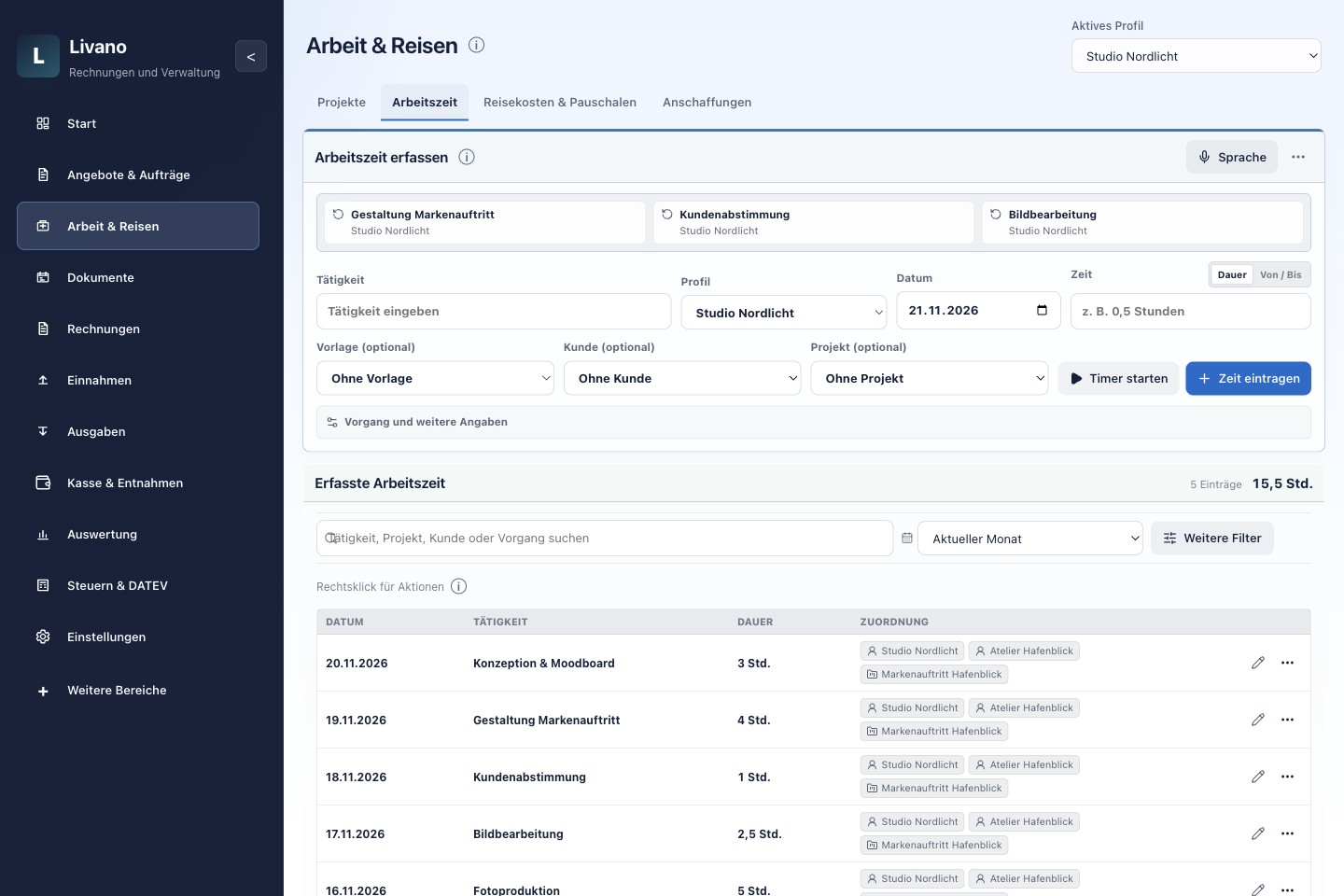
Record time using the keyboard or German voice dictation, then add it to an invoice.
Prepare a German cash-basis income statement (EÜR) and VAT figures. Export the records for your tax adviser.
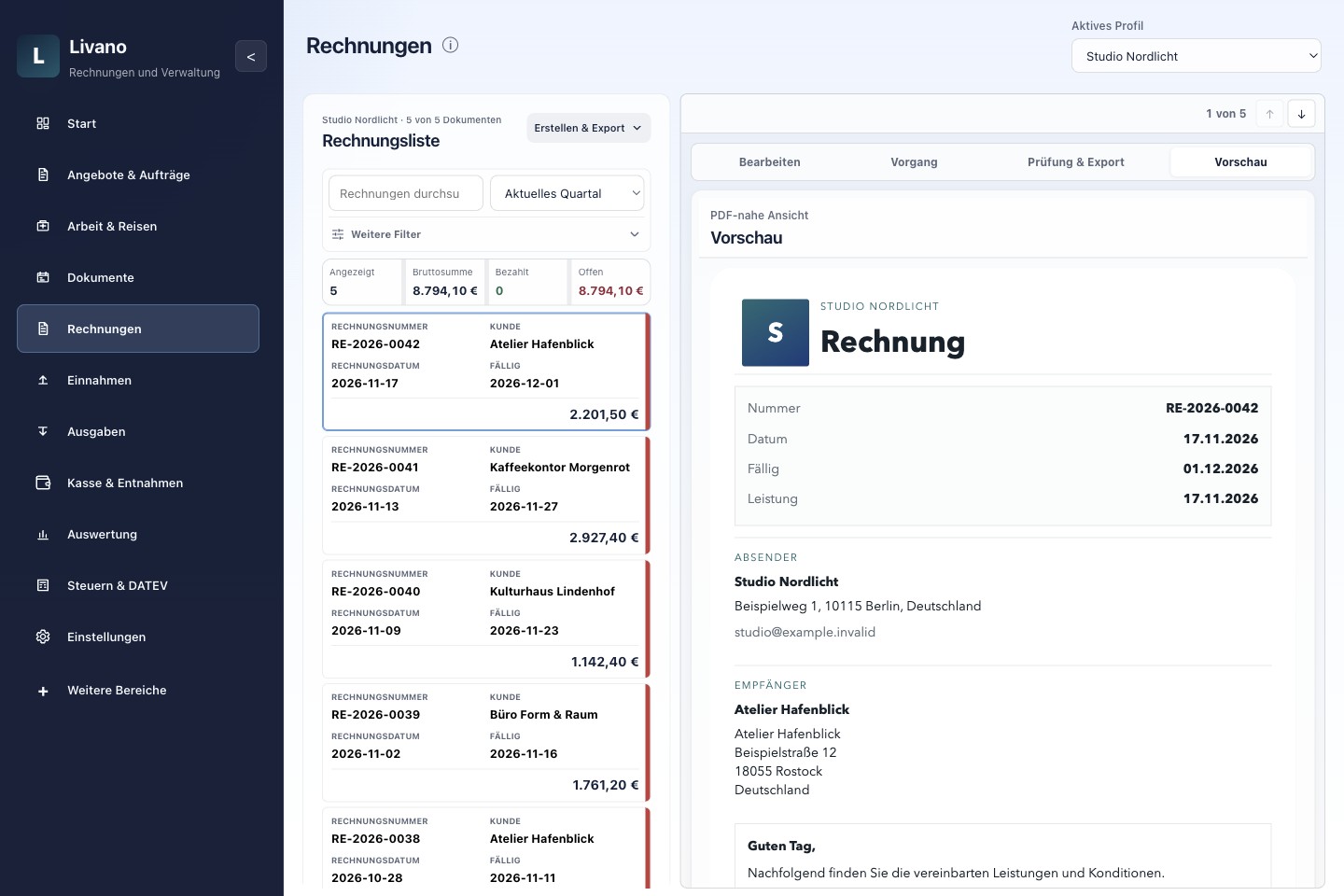
See the customer, line items and payment status for each invoice.
Record time by voice or keyboard and add it to an invoice.
See profit and estimated taxes for each business or across related profiles.
Record when you use your equipment and how much income it has earned or is expected to earn.
Screenshots show fictional sample data.
Read the licence terms in Livano
The licence terms dated 23 November 2026 are available in the installer and in the Account & License section of Settings. You can read either the German or the English version offline.
In Applications, open the Livano folder and launch “Livano deinstallieren”. By default, your entries and receipts stay on your Mac. The assistant can also back them up and then delete them.
A Mac running macOS 13 or later.
Yes. You can try it free for seven days without an account.
The licence is currently free. Get it in the shop. Each licence covers two devices.
You can split income between business profiles that belong to the same taxable person for VAT purposes.
Livano prepares tax figures and exports. File your return through ELSTER or your tax adviser.